

Other players can host their own WolfQuest Anniversary Edition multiplayer games for you to join. This article will show you how to view each game and join them.
First, press "New Game" in the Main Menu, then select the Mode "Join Multiplayer". Choose your wolf from the wolf carousel on the left side of your screen, then click "Enter Lobby With Selected Wolf". This will bring you to the Lobby screen, where you can browse games in each region. In most cases, you will want to select the region with the lowest latency (ms). Latency is the time it takes for information to go between you and the server. High latency affects the game in many negative ways. With high latency, you may notice other players stuttering or skipping around much more, as well as other animals may appear to be behave more erratically.
However, if there aren't many games available in a given region, you can switch to others to broaden your search for a game. Note that this will likely result in a less stable game experience.
Lobby:
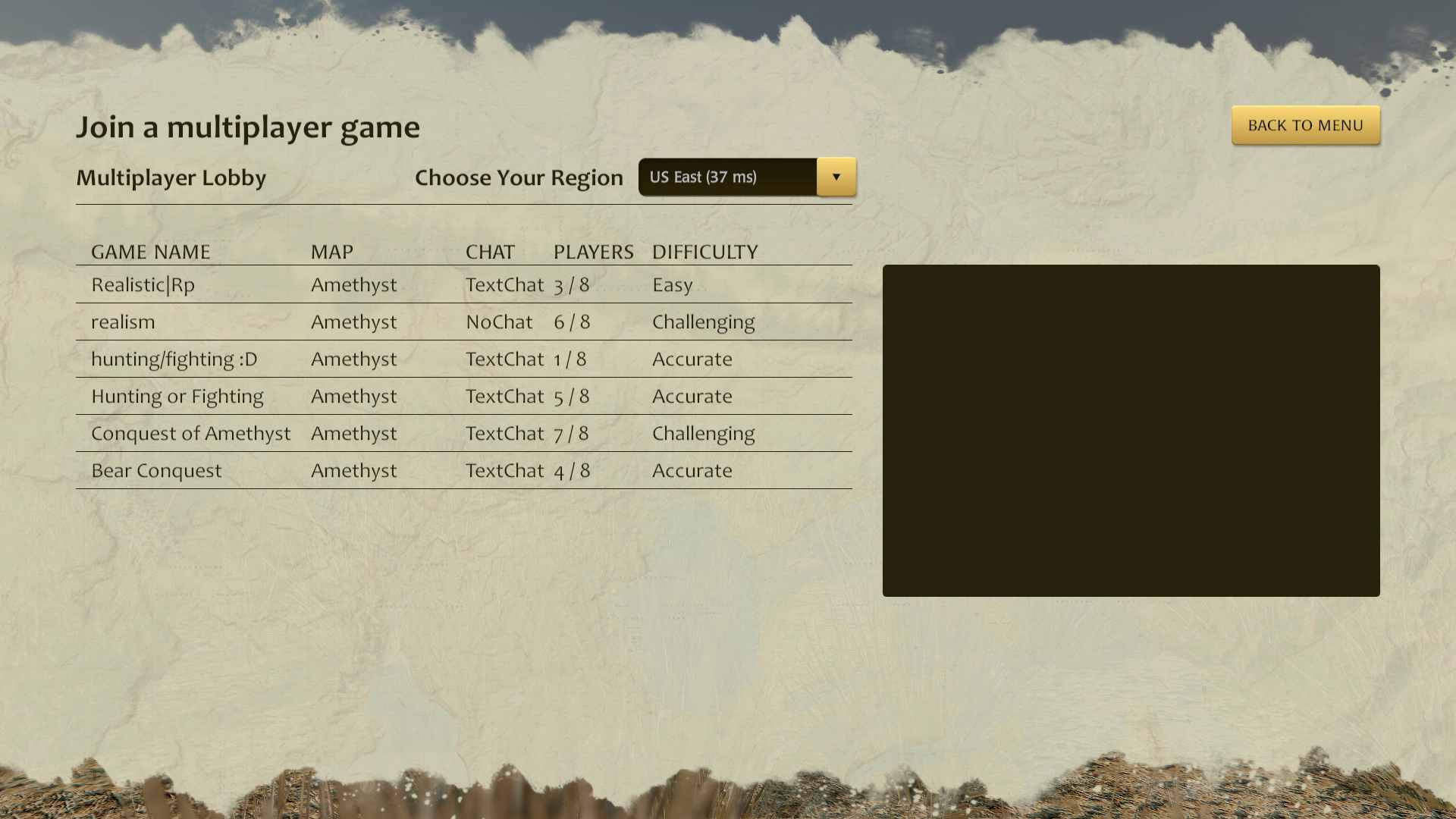
Each entry displays the game name, the map selected, the chat type, the number of players, and the current difficulty setting. You can select an individual entry to see more information:
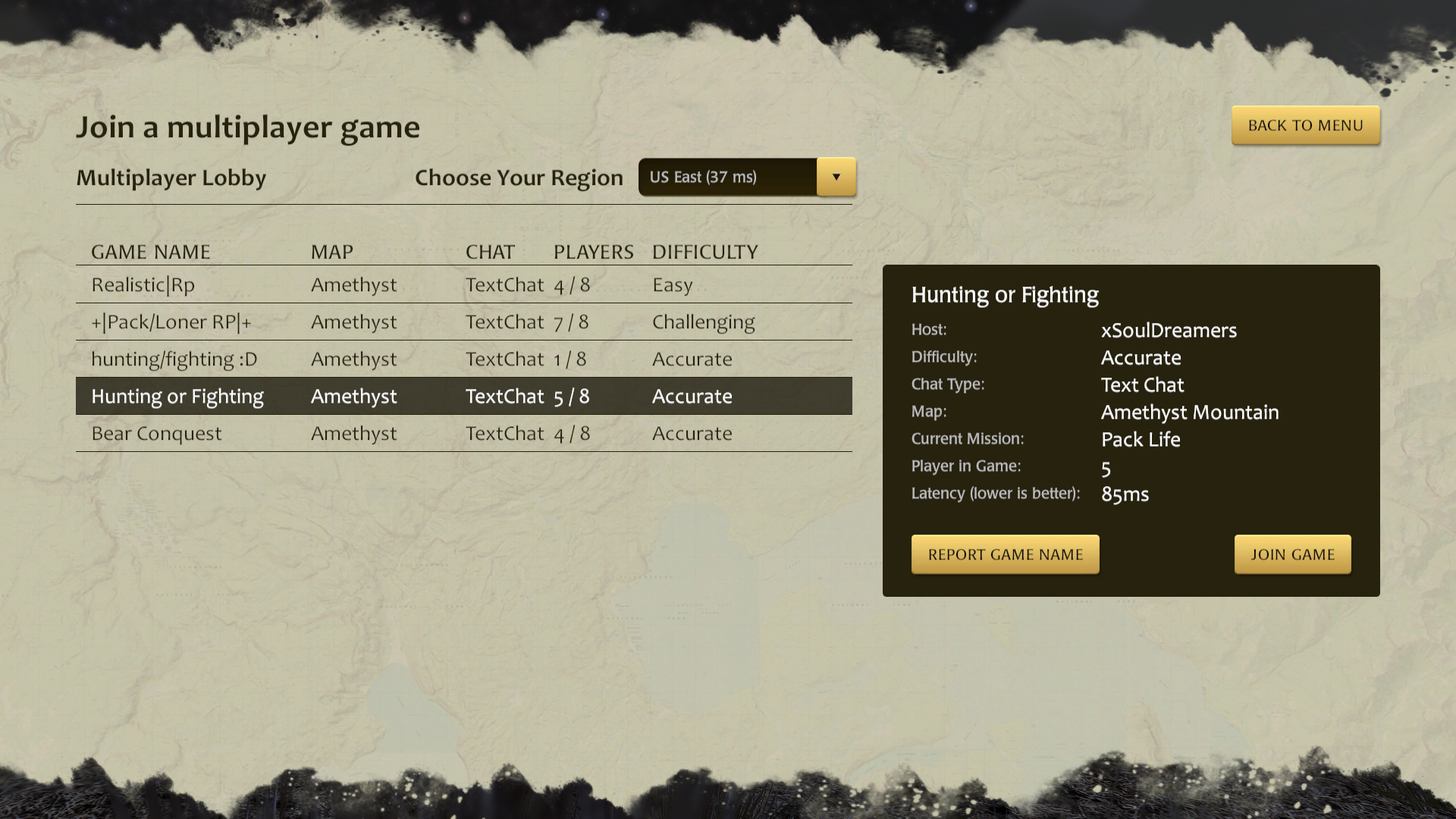
Here you can also see the host's username, the mission, and your latency to the server (remember, lower is better). You can either join the game, or report their gamename if it is inappropriate. Consult the WolfQuest Multiplayer Rules and Mate and Date Game-Names for examples of inappropriate gamenames.
WolfQuest Multiplayer Rules
Players agree to the following rules before they enter multiplayer games.
What is not allowed:
Swearing, vulgarity, and excessive violence
Sexually-oriented, mating, or dating games/roleplay
Harassing, bullying, or threatening other players
Discussing illegal or inappropriate topics
Excessive kicking or saving spaces for friends in public games
Giving or asking for personal information
Hacking or modifying game files
When playing WolfQuest Multiplayer, players should always strive to be kind, respectful, and appropriate.